Dental Software for New Squat Practice UK for First-Time Owners
Starting a new squat dental practice in the UK is challenging. Without an established patient base or processes, managing compliance, patient care, and admin tasks can feel overwhelming. Manual systems often lead to inefficiencies, missed appointments, and compliance risks.
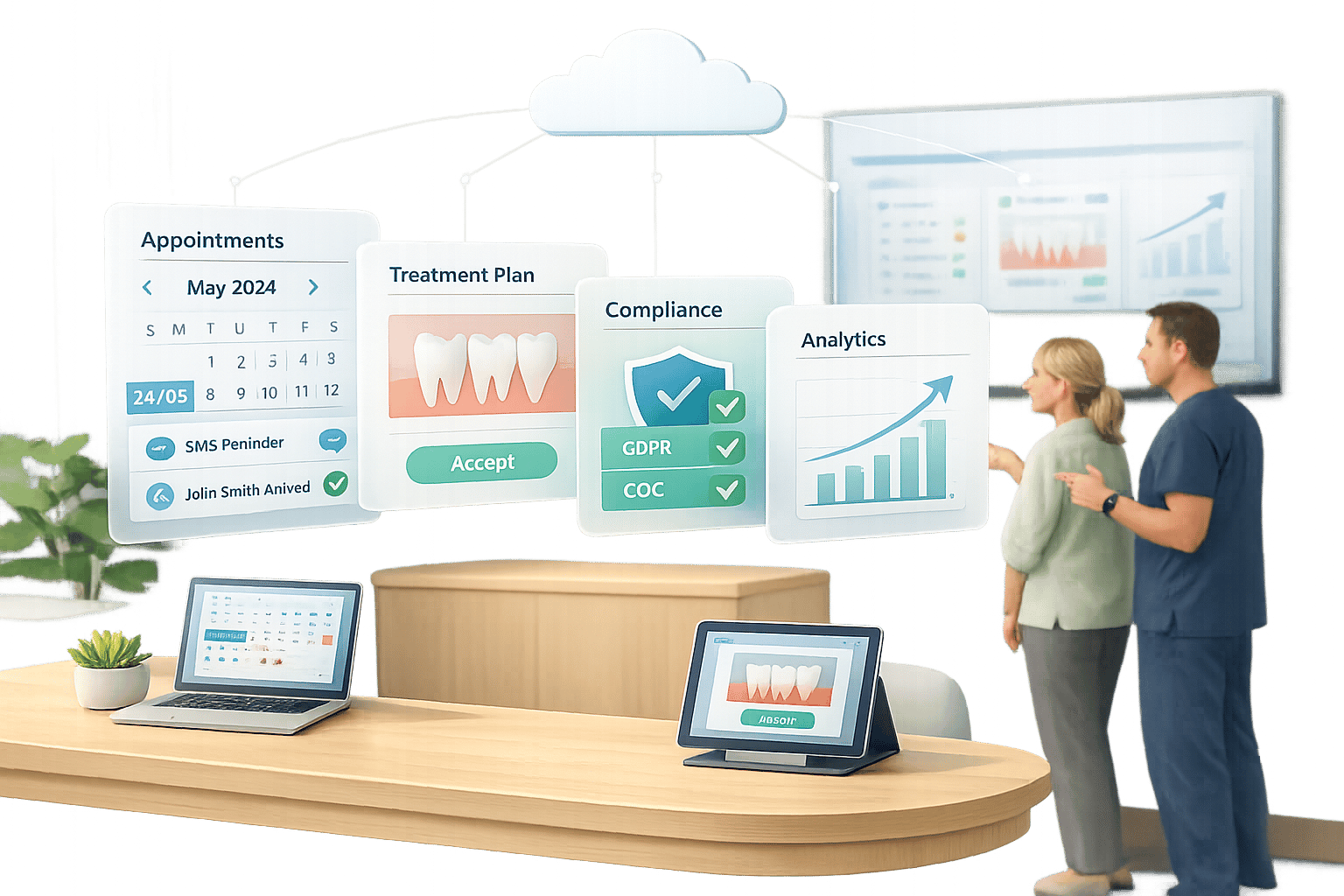
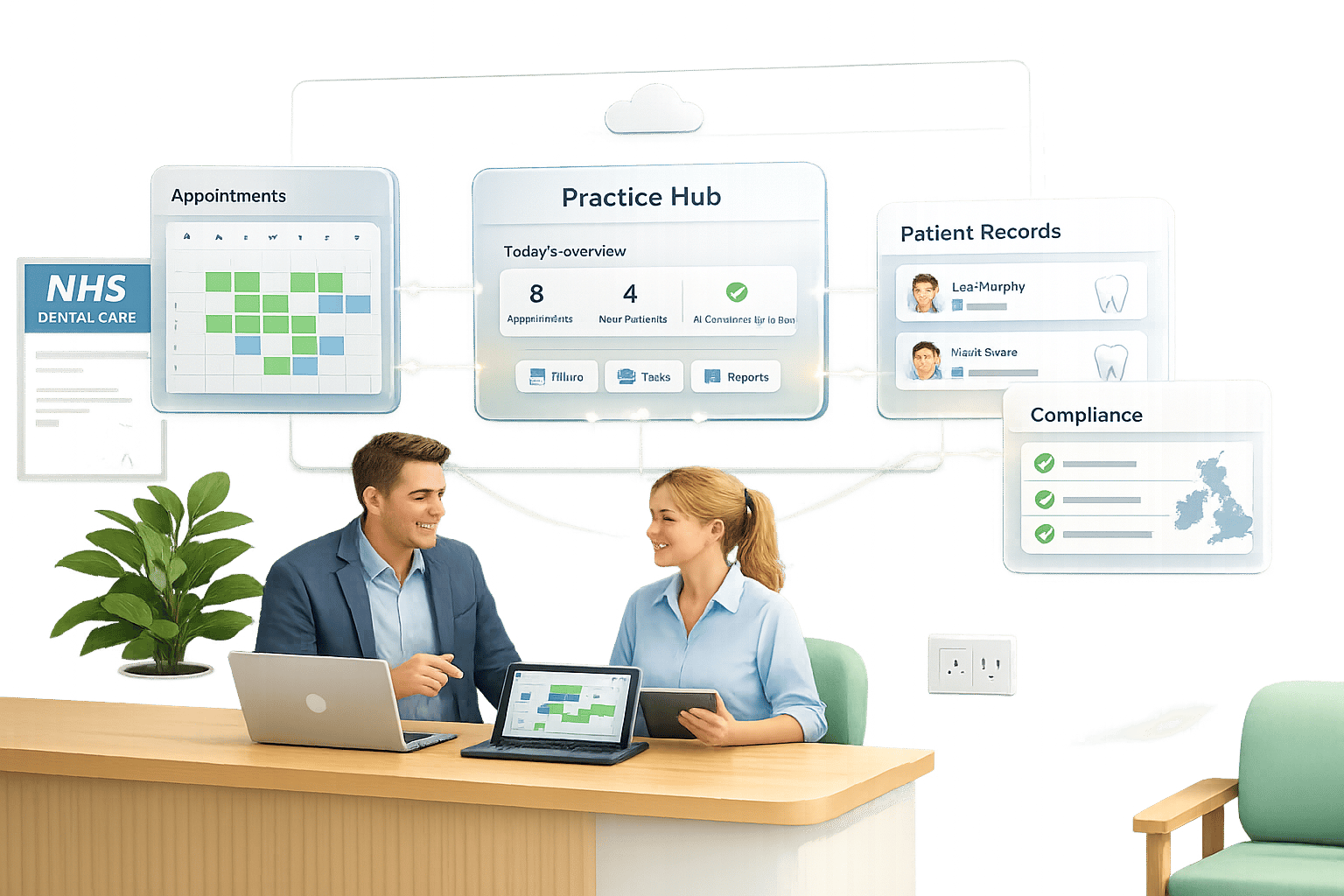
The solution? Cloud-based dental software. These platforms centralise bookings, clinical records, and billing while automating tasks like patient reminders and compliance checks. They simplify operations, reduce admin workload, and help you focus on patient care.
Key benefits include:
- Cloud-based access: Manage your practice from any device without costly servers.
- Automation: Reduce no-shows with automated appointment reminders and online booking.
- Compliance tools: Stay GDPR and CQC-compliant with secure, audit-ready systems.
- Patient experience: Digital forms and streamlined check-ins improve satisfaction.
To get started, choose a platform like Dentally or Remedico, ensure your network is ready, and train your team. The right software can make running your practice smoother from day one.
sbb-itb-d8b42ea
sbb-itb-d8b42ea-1
- Cloud-based access: Forget about costly server hardware or being tied to one location. You can access schedules, patient notes, and billing tools from any device - perfect for those setting up a practice or managing multiple sites.
- Automation: Administrative burdens are reduced with features that fill last-minute appointment gaps, send recalls to encourage patient return visits, and even provide tools for patient education to support treatment acceptance. Patients can book appointments online, complete forms remotely, and receive automated SMS or WhatsApp reminders, cutting down on manual diary management for small teams.
- Enhanced patient experience: The process is modern and efficient, beginning with online booking and digital forms. Patients arrive prepared, check in quickly, and benefit from a well-organised system - essential for building a strong reputation from the outset.
How Software Handles Compliance and Daily Workflow
Compliance and workflow management are seamlessly integrated into the software:
- GDPR compliance: Secure cloud storage, encrypted patient data, digital consent forms, and audit trails ensure sensitive information is protected. Automatic backups and restricted access for authorised staff reduce risks tied to paper records and manual errors.
- CQC standards: Accurate clinical documentation becomes effortless with AI-generated notes and imaging, ensuring every consultation is properly recorded. Real-time reporting gathers all the data required for inspections, helping you stay inspection-ready from the start.
Daily operations are also simplified. Automated reminders help reduce missed appointments, while smart booking tools and waitlists maximise chair time. Structured staff training, including site checks, data setup, and go-live support, ensures a smooth launch for your practice.
“Our workflow is absolutely flawless because of Dentally.” – Dr. Shushil Dattani, Kent Smile Studio
How to Choose and Set Up Dental Software for a New Squat Practice
Selecting the right dental software and setting it up correctly can save you from months of admin frustration and regulatory headaches. Here’s a step-by-step guide to help you go from choosing a platform to launching your practice with a well-trained team.
Step 1: Pick the Right Cloud-Based Dental Software
Opt for cloud-based software instead of server-based systems. Platforms like Remedico, Dentally, or Bridge-IT offer flexibility - allowing access from any device - while also cutting out the need for expensive local servers. Plus, they handle UK compliance requirements automatically. If your practice will include NHS patients, look for software with NHS integration. For instance, Bridge-IT (£35–£75/month) and Dentally (£195–£415/month for two surgeries) offer reliable WebEDI connections across the UK [2].
For private practices, tools like automated patient reminders (via WhatsApp or SMS) and AI-generated clinical notes can help reduce missed appointments and save time [1].
Pricing varies, so compare features against your needs. For example:
- Remedico: £99 per doctor per month, including unlimited patients, branches, and 1,000 free WhatsApp reminders.
- Pearl Dental: Starts at £71/month, plus £26 for each additional surgery.
- iSmile: Begins at £40/month and includes guided onboarding [2].
Once you’ve chosen your software, it’s time to ensure your network and hardware meet the digital integration criteria to support it.
Step 2: Plan Your Network and Hardware Setup
A reliable internet connection is a must when using cloud-based software. Without local servers, your Wi-Fi becomes the backbone of your system. Conduct a site check to confirm your network can handle real-time bookings and uploads - many software providers include this as part of their onboarding [1].
Equip treatment rooms with tablets for chairside charting and ensure your network is secured with WPA3 encryption. Limit access to authorised staff only to remain GDPR-compliant and protect patient data.
Step 3: Transfer or Create Patient Records
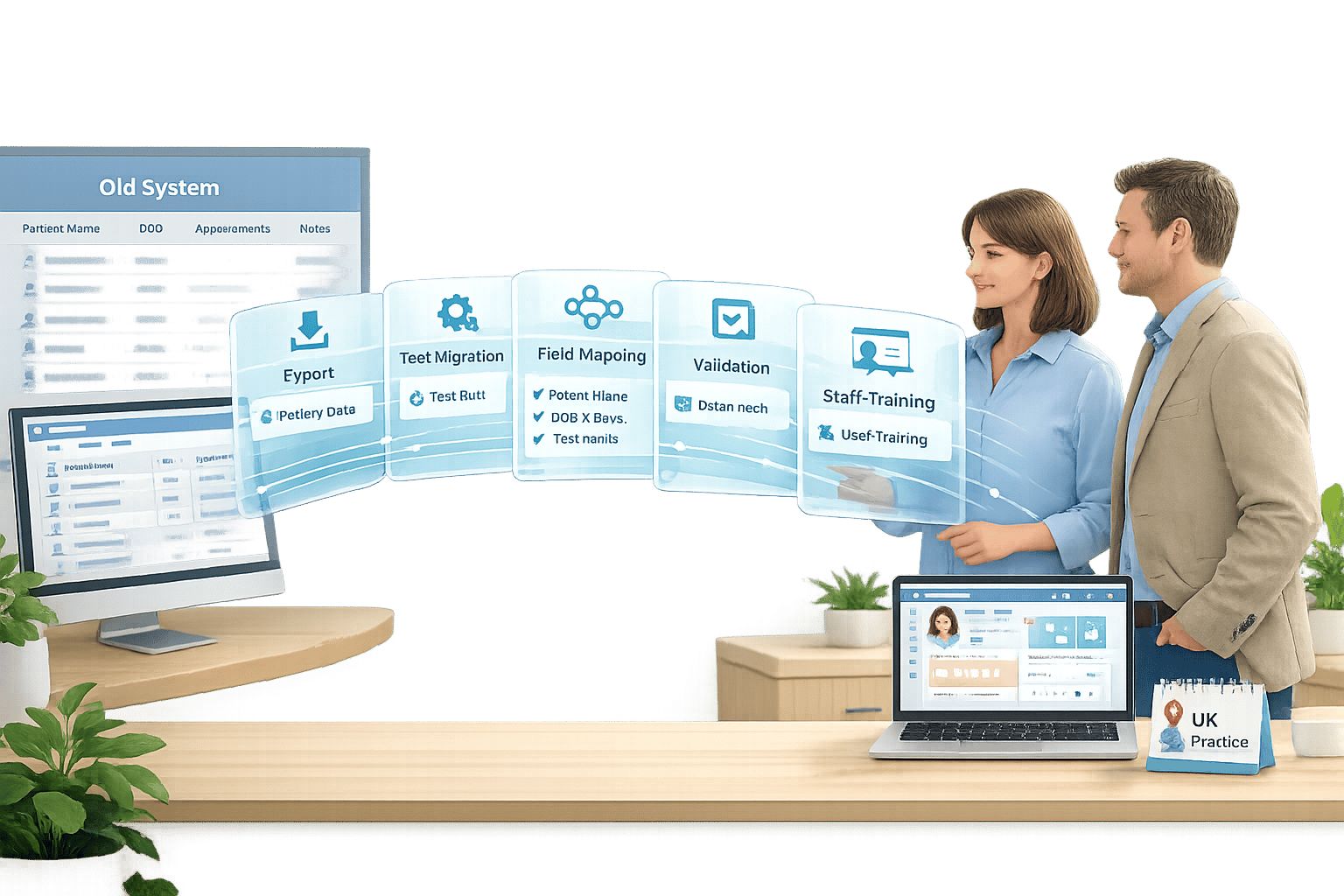
If you’re starting fresh, set up digital forms so patients can complete medical histories and consent forms online before their first visit. For practices migrating from another system, choose a provider that offers structured data migration protocols, including backups and audit trails. Platforms like Remedico and Dentally handle this during onboarding.
Early implementation of patient portals is also crucial. These portals allow patients to book appointments, update their details, and review treatment plans online - reducing the workload on your reception team and streamlining admin tasks.
Once your patient records are ready, you can focus on appointment scheduling and billing.
Step 4: Set Up Appointment Scheduling and Billing
Use a Smart Calendar to manage NHS and private bookings separately if you’re running a mixed practice. Automated reminders via SMS or WhatsApp can help reduce no-shows, while last-minute appointment fillers keep gaps in your schedule to a minimum [1].
Integrate billing with your calendar to capture payments at booking or check-in. This approach speeds up cash flow and cuts down on manual invoicing errors. If you’re handling NHS work, ensure your software can auto-populate UDA claims and submit them via WebEDI. Real-time reporting features are also essential, giving you a clear view of revenue, outstanding balances, and claim statuses during your critical first weeks [2].
Step 5: Train Staff and Launch Your Practice
Before opening, schedule training sessions with your software provider. Most platforms offer onboarding to cover essential workflows like clinical charting, appointment management, and patient check-in processes [1]. Reception staff should learn digital arrivals and billing, while clinicians should get comfortable with features like AI-powered note-taking and imaging tools. Run test appointments with dummy patients to ensure everyone is confident before real patients arrive.
Proper training not only streamlines your operations but also ensures compliance with regulations. During your first month, monitor key metrics such as missed appointment rates, average appointment durations, and patient feedback on the booking process. Use this data to fine-tune your workflows - for instance, by adjusting reminder timings or increasing online booking availability - to keep your practice running smoothly.
Common Mistakes When Choosing Software for New UK Practices
Starting a new dental practice is no small feat, and selecting the right software is a critical part of the process. Unfortunately, first-time practice owners often rush this decision to meet opening deadlines, leading to costly mistakes. These missteps can disrupt daily operations and even result in compliance issues. Let’s explore three common errors that new practices make when choosing software, each of which can significantly impact efficiency and compliance.
Ignoring CQC and GDPR Compliance Requirements
While features like appointment scheduling and billing often take centre stage, compliance requirements for CQC inspections are sometimes overlooked. Your software must support essential audits, risk assessments, and policy templates to meet regulatory standards. Clinical records, for example, must be securely retained for at least 10 years - and even longer for complex cases. Ensuring your platform is equipped to handle these needs is critical for a smooth setup.
“The retention period for special category data in patient records is a minimum of 10 years and may be longer for complex records in order to meet our legal requirements.” - Whites Dental [4]
Additionally, GDPR compliance is non-negotiable. Look for software with built-in GDPR tools and robust encryption to safeguard patient data [5]. Platforms like CareStack, which boasts a 4.9/5 rating from over 1,400 global reviews, include these features as standard [3]. Skipping these checks could result in failed inspections or steep fines - issues that are entirely avoidable with the right preparation.
Compliance aside, the technical infrastructure of your software also matters.
Picking Server-Based Software Instead of Cloud-Based
Opting for server-based systems might seem like a safe choice, but it can quickly become a costly mistake. These systems often come with high hardware expenses, manual backup requirements, and the need for ongoing IT support [3]. For a new practice, such overheads can eat into your budget - resources that could be better allocated to patient care or marketing.
“Eliminate the need for expensive servers, data backups and expensive IT support and hardware upgrades.” - CareStack [3]
Server-based platforms also require downtime for updates, and their reliance on fixed locations can create unnecessary administrative hurdles. By contrast, cloud-based systems automatically update and help you stay compliant with the latest regulations, all without extra costs or disruptions.
Lastly, the flexibility of your software is key, especially for modern work environments.
Forgetting Mobile Access for Shared Spaces
If your practice operates from a shared workspace or a temporary location, mobile-friendly software is a must. Without it, you could find yourself tethered to fixed desks and bulky equipment, which doesn’t align with the flexibility many new practices need. Cloud-based platforms enable patients to complete digital forms and book appointments online before they even step into your practice [1]. This reduces the need for large reception areas and streamlines the patient journey.
Without mobile access, managing daily tasks in a flexible workspace becomes far more challenging, limiting your ability to adapt and grow as your practice evolves.
Key Takeaways and Next Steps
Top Benefits of Using Dental Software for Squat Practices
Dental software designed for new squat practices offers a modern, cloud-based approach that replaces outdated workflows. With features like automated digital forms and streamlined patient check-ins, it cuts down on early operational challenges. AI-powered tools simplify tasks such as creating clinical notes and detecting imaging issues, ensuring records stay accurate and compliant.
Patient engagement also gets a boost with integrated tools like WhatsApp reminders, which help reduce missed appointments. Plus, real-time reporting - such as revenue-per-chair metrics - provides a clear picture of your practice’s growth and financial performance.
How to Get Started with Dental Software
To make the most of these advantages, here’s how to get started. Begin by exploring demos from platforms like Remedico and Dentally to see which one suits your needs, especially for UK-specific features like NHS integration. Choose a provider that offers smooth onboarding, including data migration and staff training, so your practice can get up and running quickly. Automated systems for recalls and feedback will also help you build a loyal patient base from the start.
Leverage patient education tools available within the software to simplify complex treatment plans, making it easier for patients to understand and accept them. While full implementation might take up to 60 days, new squat practices often become operational in just a few weeks since there’s no legacy data to transfer. Opt for a platform that provides dedicated onboarding support and assistance for at least 60 days post-launch. This ensures your practice stays financially stable during those crucial early months.
Remedico offers all these features in one system for £99 per doctor per month. The package includes free setup, training, and secure data migration. Try it for free and manage your practice more efficiently without adding to your workload.